
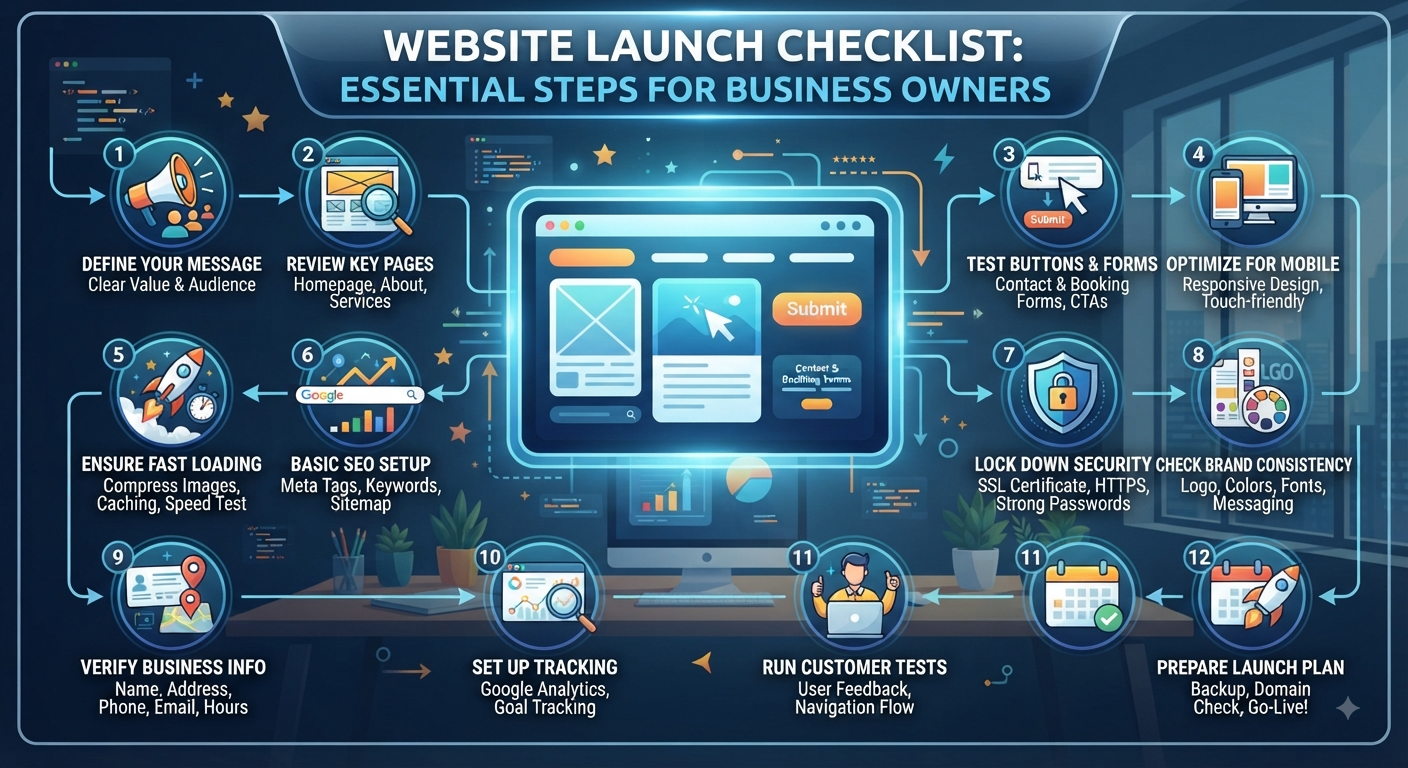
Website Launch Checklist: Essential Steps for Business Owners
Launching your website is a big step, but let’s not pretend that hitting “publish” is the end goal. That’s just the moment your website finally starts pulling its weight for your business.
Here’s the thing: a missing contact form, a slow-loading page, or a confusing call-to-action can turn visitors away in seconds. Before you shout from the rooftops about your new site, run through this checklist to make sure you’re really ready.
1. Get Your Message Across Fast
Visitors shouldn’t have to play detective. In just a few seconds, they need to know what you do.
Ask yourself:
- Is it super clear what my business offers?
- Does the homepage actually say who I help?
- Are my top services or products easy to spot?
- Is there an obvious call-to-action?
- Do I talk about real customer problems and solutions?
Keep your language simple. Make your value easy to grasp right away.
2. Check Every Key Page
Pretend you’re a brand-new visitor. Walk through:
- Homepage
- About page
- Services or product pages
- Contact page
- Blog
- Privacy Policy
- Terms & Conditions
Scan for missing info, mistakes, rough edges, or pointless pages that just clutter things up.
3. Test Every Button and Form
Assuming “it works” is risky check it all.
Try out every:
- Contact form
- Enquiry form
- Call button
- WhatsApp button
- Email link
- Booking button
- Login or registration
- Payment or checkout (if you sell online)
Go through the process yourself make sure messages actually reach you.
4. Try the Site on Mobile
Your site might look great on a desktop, but phones are a whole different ballgame.
Check on your phone:
- Navigation
- Font sizes and readability
- Images and buttons
- Forms
- Pop-ups
- Page spacing
- That there’s no weird horizontal scrolling
It should feel smooth and easy not just a shrunken-down desktop site.
5. Make Sure the Site's Fast
Nobody waits around for a slow site.
Before you launch:
- Compress big images.
- Cut out code or scripts you don’t need.
- Remove unused plugins.
- Turn on caching.
- Test load times on important pages.
Speed isn’t just nice it’s crucial for conversions and a decent user experience.
6. Do the Basic SEO Setup
First impressions count with Google, too.
Double-check:
- Page titles
- Meta descriptions
- Headings
- Image alt text
- SEO-friendly URLs
- Internal links
- XML sitemap
- Robots.txt
- Canonical URLs
Connect your site to Google Search Console and Analytics (or your favorite tools) so you can track how things are going.
7. Lock Down Security
Don’t wait until there’s a problem to think about security.
Make sure:
- You’ve got HTTPS/SSL active.
- Every admin uses a strong password.
- Unused accounts are gone.
- CMS, themes, and plugins are up to date.
- Backups are happening regularly.
- Customer data is actually secure.
If you collect sensitive info or take payments, check your security and privacy steps twice.
8. Check Your Brand Consistency
People should know it’s you as soon as they land on your site.
Review:
- Logo
- Brand colors
- Typography
- Images
- Icons
- Buttons
- Messaging
A strong, consistent look makes you trustworthy.
9. Double-Check Your Business Info
Don’t let little mistakes chip away at your credibility.
Make sure your:
- Business name
- Phone number
- Email address
- Office address
- Business hours
- Social media links
- Service info
- Prices or offers
...are all accurate and match across the web.
10. Set Up Tracking
After the site goes live, you’ll want to know how people use it.
Install tools to measure:
- Visitors
- Traffic sources
- Top pages
- Enquiries
- Form completions
- Calls
- Purchases
- Any other goals that matter
No tracking = flying blind.
11. Run a Final Customer Test
Get someone uninvolved to try your site, and ask them to do something simple like, “Pretend you need our services. Try reaching out.”
Watch where they get stuck.
If they’re confused or can’t contact you easily, you’ve got tweaks to make.
12. Have a Backup Plan for Launch Day
Right before you go live:
- Take a full backup.
- Make sure your domain points correctly.
- Check SSL is working.
- Confirm your hosting is solid.
- Test the live site one last time.
- Keep an old version handy, just in case.
- Stay alert for issues or enquiries after launch.
Be proactive don’t let customers be your quality control.
Final Pause: Are You Ready?
Just ask yourself:
- Do people immediately get what we do?
- Can they find what they need quickly?
- Can they contact or buy without a hassle?
- Does the site work well on mobile?
- Can we actually track what happens after launch?
If you answered yes to all five, you’re in good shape.
One Last Thing
Your website isn’t just some boring online flyer. It’s your digital salesperson, credibility boost, lead magnet, and first impression rolled into one.
Don’t hit launch just because you’re tired of tweaking the design.
Test it. Fix what’s broken. Set up tracking. Then launch.
Because a great website launch isn’t about just being live.
It’s about being ready to win business.