
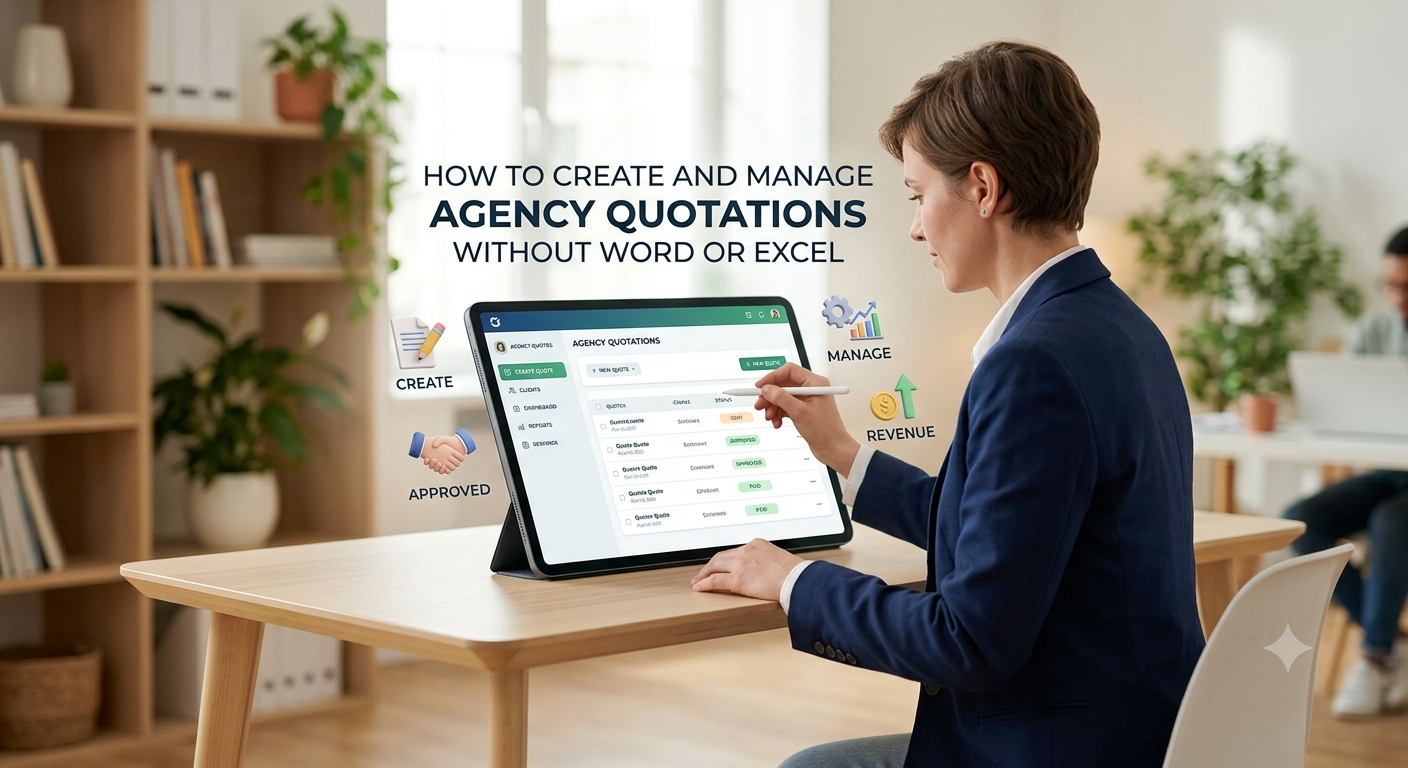
How to Manage Agency Quotations Without Word or Excel
For agencies, a quotation isn't just a price on a page. It's the official start of business, laying out the scope, cost, deadlines, and expectations for both your agency and the client.
But honestly, plenty of agencies still put quotes together with Word or Excel, then send a PDF by email and try to track everything by hand. That might work when you only have a handful of clients. Once business picks up, it turns into chaos pretty fast.
You start asking yourself questions like:
- Did the client get the quote?
- Did they approve it?
- Are we looking at the right version?
- Is the price even right?
- Has the deposit come in?
- Who’s supposed to follow up?
This is where a proper quotation management workflow can really change things.
Instead of treating a quote as just another file, you can manage it as part of your full sales and payment process.
Why Word and Excel Fall Short
Word and Excel are great for all sorts of things but managing agency quotations isn’t one of them. Usually, things go like this:
Make a quote in Excel or Word → Save as PDF → Email it to the client → Wait for approval → Nudge the client → Send payment request → Mark payment → Update your records
Every step means another spot where something slips through the cracks. You’ll run into messy issues like:
- Different team members making quotes with different formats
- Old or wrong prices sneaking in
- Manual math errors
- Four versions of the same quote floating around
- No single place to see approvals
- Important emails lost under a mountain of messages
- Payment chases scattered everywhere
- Not knowing which quotes are still open
- No real feel for how quotes are performing
It’s not Word or Excel itself it’s the fact that your process is stitched together from too many tools.
1. Create Quotes From a Single Central Place
A good workflow starts with a central spot for creating quotes. Instead of writing them up from scratch, your team uses ready-made templates: services, prices, taxes, discounts, payment terms set up in advance.
A typical quote includes:
- Client details
- Agency info
- Quotation number
- Services and deliverables
- Quantity or scope
- Pricing per service
- Discount
- Tax
- Grand total
- Payment terms
- Validity dates
- Terms and conditions
With everything set, your team just fills in the blanks no need to reinvent the wheel every time a new client comes through the door.
2. Keep Your Agency Pricing Straight
Pricing errors eat right into your profits. Maybe two team members send quotes for the same thing, but one uses today’s rate, the other grabs an old Excel file and ends up under-quoting.
A central system stops this headache. Everyone pulls from the same, pre-approved services and prices. You get consistency, fewer mistakes, and if you offer different packages, keeping those prices straight is a lot easier.
3. Track Quotes From Start to Finish
Sending a quote isn’t the end of the sale. What happens next? With a proper system, you can see every quote’s status:
Draft → Sent → Under Review → Approved → Payment Pending → Paid
No more digging through endless email threads or bugging your team just check the dashboard. This makes juggling dozens (or hundreds) of quotes way more manageable.
4. Make Client Approval Effortless
Clients don’t want to print, sign, scan, and email back a quote who has time for that? A digital approval setup lets clients just click to approve. The system logs it and updates the status automatically.
Less friction for the client, and your agency gets a clear, time-stamped approval record. Especially handy if things get complicated later or the project needs multiple review steps.
5. Tie Email Right Into Your Workflow
Email isn’t going away, but writing the same message over and over is a drag. With quotation management software, emails are baked into the workflow whether it’s sending a new quote, reminding the client, confirming approval, or requesting payment.
This makes communication consistent and saves time, plus your clients get updates at the exact right moments in the process.
6. Connect Quotation Approval and Payment
One of the biggest ‘leaks’ in the usual process comes right after the client approves the quote. Suddenly, someone’s got to whip up a payment request, make a link, send it, wait for payment, then manually update everything. It’s a lot.
If your system’s tied into a payment gateway, the workflow just keeps flowing:
Quote sent → Client approves → Payment link arrives → Payment lands → Project begins
If you collect upfront payments before starting, this basically runs itself. You always know whether you can start work, without a dozen emails back and forth.
7. Cut Down on Chasing Clients
Every agency needs to follow up, but as you grow, remembering who needs a nudge becomes harder. Maybe you’ve got quotes:
- Awaiting client replies
- About to expire
- Approved but still unpaid
- Under negotiation
- Ready to start
A good system puts all that in one place. No extra Excel trackers, no guesswork. Your team knows who to follow up with, and why.
8. Use Quotes as a Sales Tracking Tool
Great quotation systems do more than get prices in front of clients they show you how your sales process is really performing. You can see:
- Quotes created
- Quotes sent
- Quotes approved, pending, lost, expired
- Total quoted vs. actual converted business
- Outstanding payments
Suddenly you know exactly where things are bottlenecking, and where your sales process needs work.
A Smarter Quotation Workflow
Let’s keep it simple, step by step:
- Create: Build the quote with pre-set services, pricing, tax, and terms.
- Send: Fire it off to the client right from your system.
- Approve: Let the client review and approve it digitally no paperwork.
- Collect Payment: Hook up a payment gateway for instant payment.
- Track: See every quote’s status in real-time.
- Start the Project: As soon as payment’s in, move the project forward.
You skip all those needless manual steps and spend more time on actual work.
It’s Not Just About Ditching Word or Excel
Switching off Word and Excel isn’t really about going paperless or making neater documents. The real gain is building a connected workflow.
A quotation shouldn’t just be an isolated PDF. It needs to tie together:
Client → Services → Pricing → Approval → Communication → Payment → Project
Once it all clicks, you get more visibility. The team spends less time sorting paperwork or chasing status updates.
What to Look for in Agency Quotation Software
When shopping around, focus on how the tool handles your whole workflow not just how ‘pretty’ the quotes look. Key features:
- Central place for creating quotes
- Standardized pricing you can trust
- Custom templates
- Real-time status tracking
- Digital approval workflow for clients
- Built-in email tools
- Automated messages at key stages
- Payment gateway links
- Payment tracking
- Quote history
- Sales/performance reports
The goal is a process that grows with you not just making better PDFs.
Final Thoughts
As your agency gets bigger, Word and Excel just can’t keep up. You end up buried in emails, old files, pricing mistakes, and manual follow-ups. You lose sight of the bigger picture.
A central quotation workflow fixes this. You get professional, repeatable quotes, pricing stays consistent, approvals and payments are tracked automatically, and the whole team knows what’s going on. Less time lost in admin faster, smoother experiences for you and your clients.
The endgame isn’t only about speed. It’s about building a process that works with no cracks to fall through as your agency grows.
Upgrade Your Workflow
Leave behind messy Word docs, endless spreadsheets, and scattered emails. Build a flow where creating, sending, approving, communicating, and getting paid all happen together.
Your sales process deserves more than another spreadsheet.